
Get expert shopping help now

Mon - Sat : 10am - 7pm
Chat with Our Support Team

ANZU V2 NEW LAUNCH

Freebies on orders above ₹5000

7 Days Returns and Replacement*

KreoKreoKreo

  • BestsellersBestsellers
  • Shop by SetupShop by Setup
  • KeyboardsKeyboards
  • Mouse and MousepadsMouse and Mousepads
  • Audio Video & LightsAudio Video & Lights
  • MonitorMonitor
  • ControllersControllers
  • AccessoriesAccessories
  • Software & SupportSoftware & Support
Wishlist
Cart
Search
Bestsellers
Keyboards
Mouse and Mousepads
Audio Video & Lights
Monitor
Controllers
Accessories
Wishlist
  • PC builder starter kit
  • Work from home essentials
  • Streamers essential
  • Gaming essentials
  • Kontrol Web Software
  • Software downloads
  • Contact us
Track Order
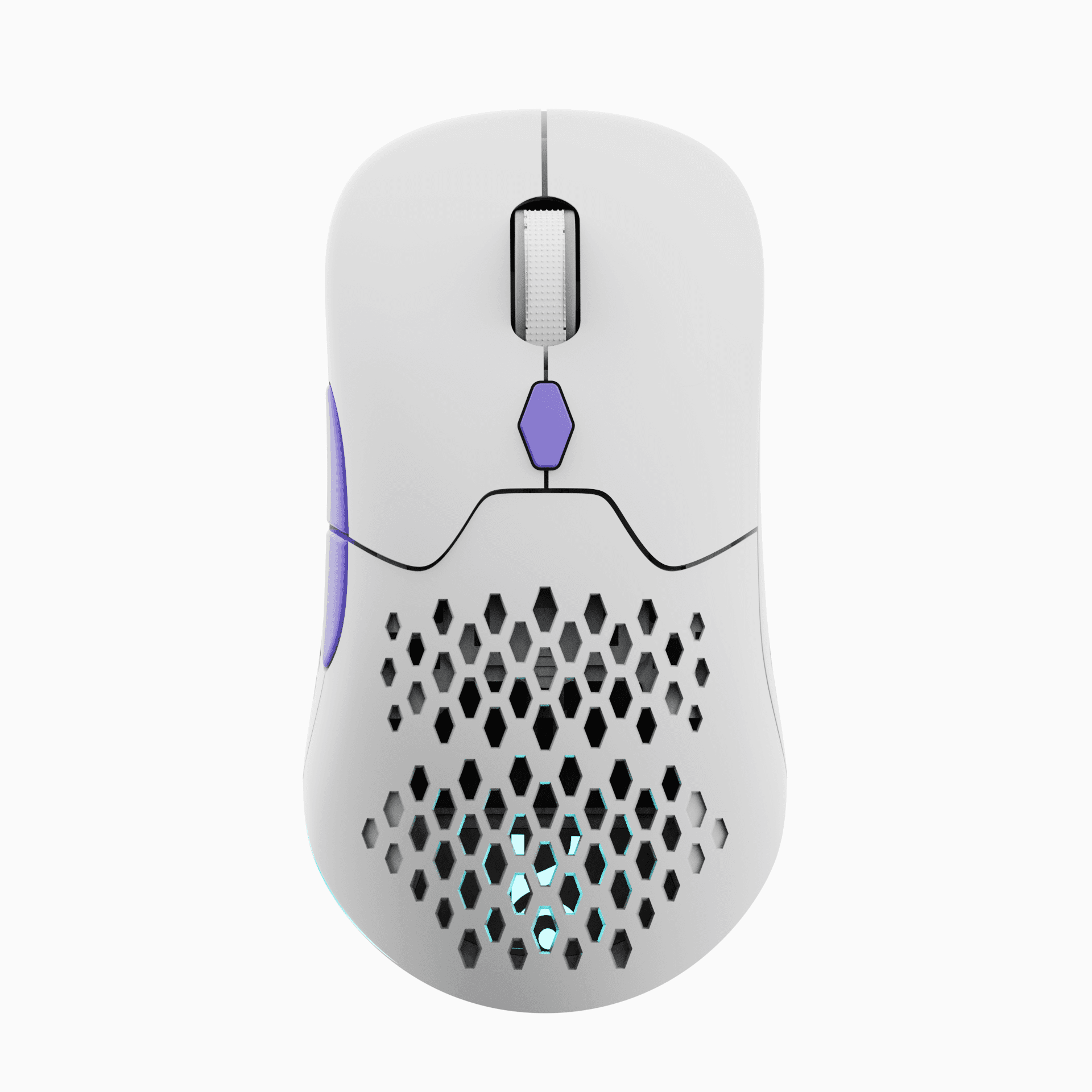
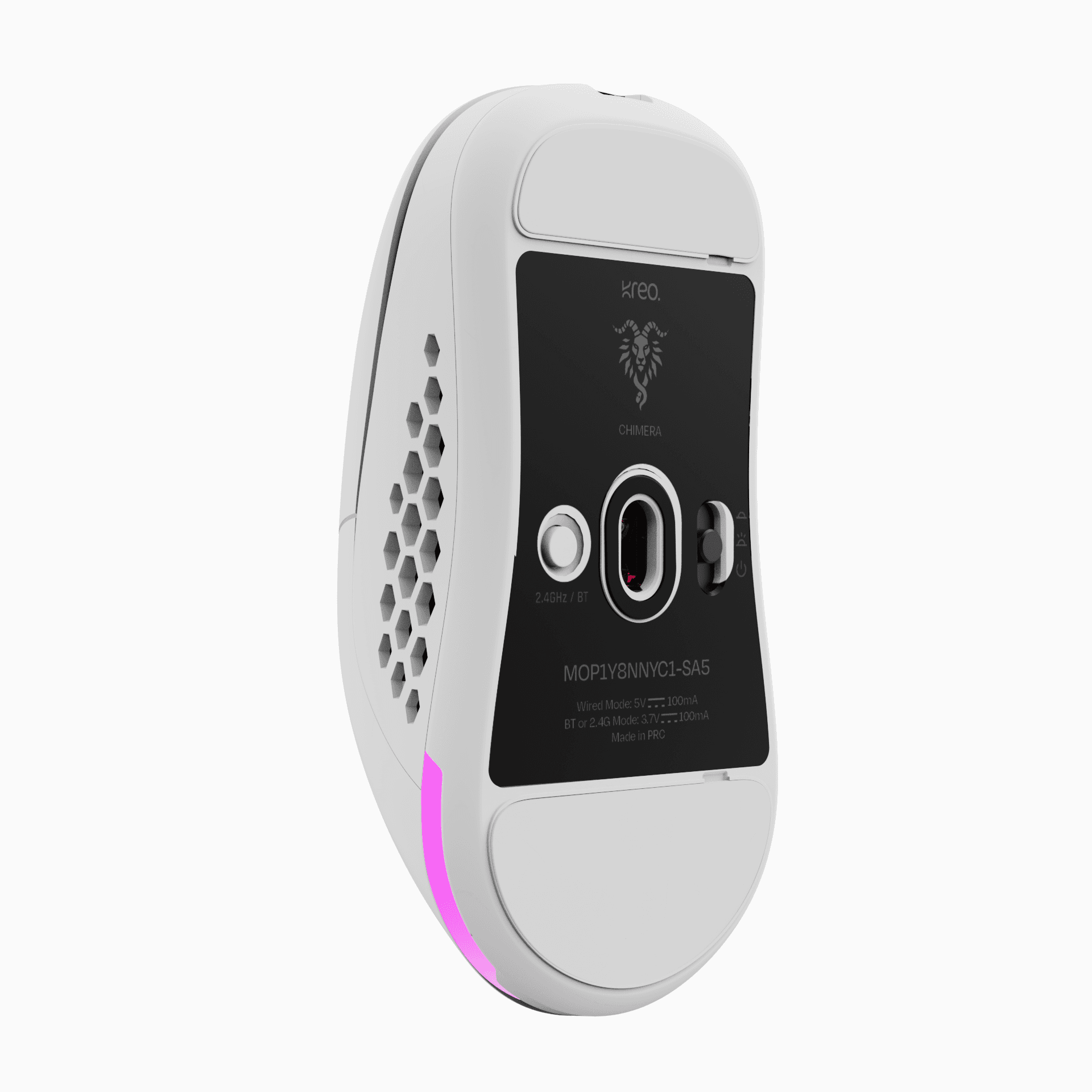
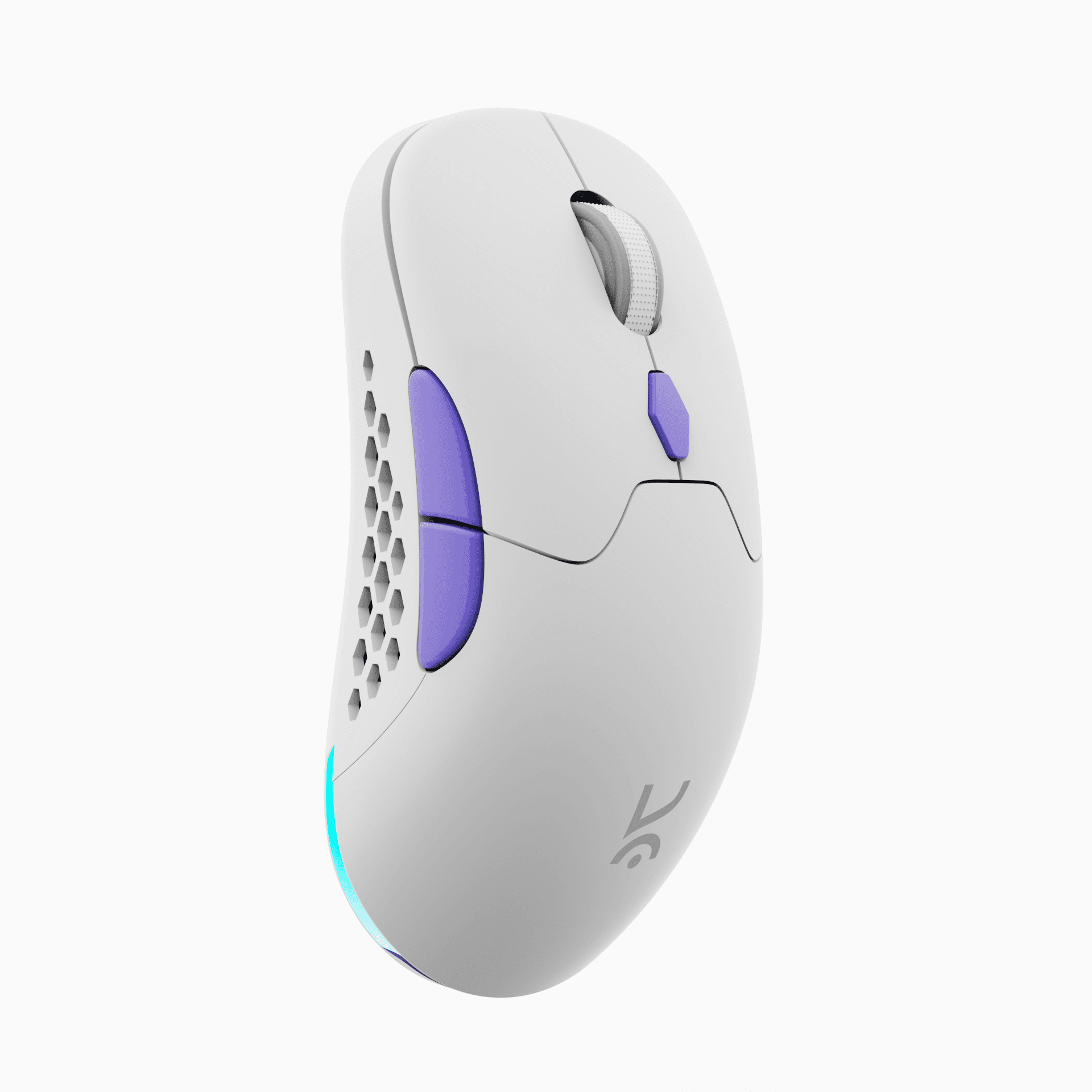
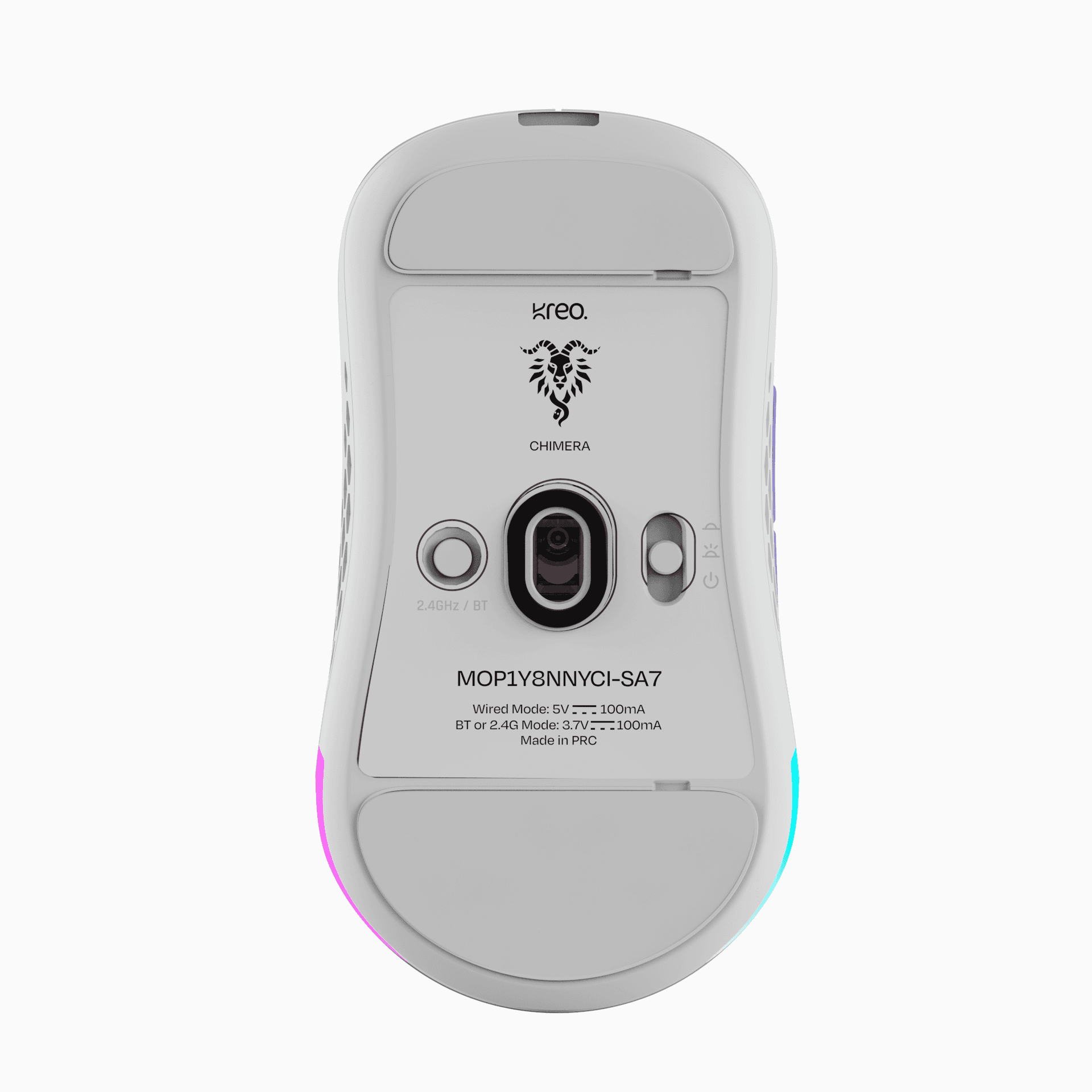
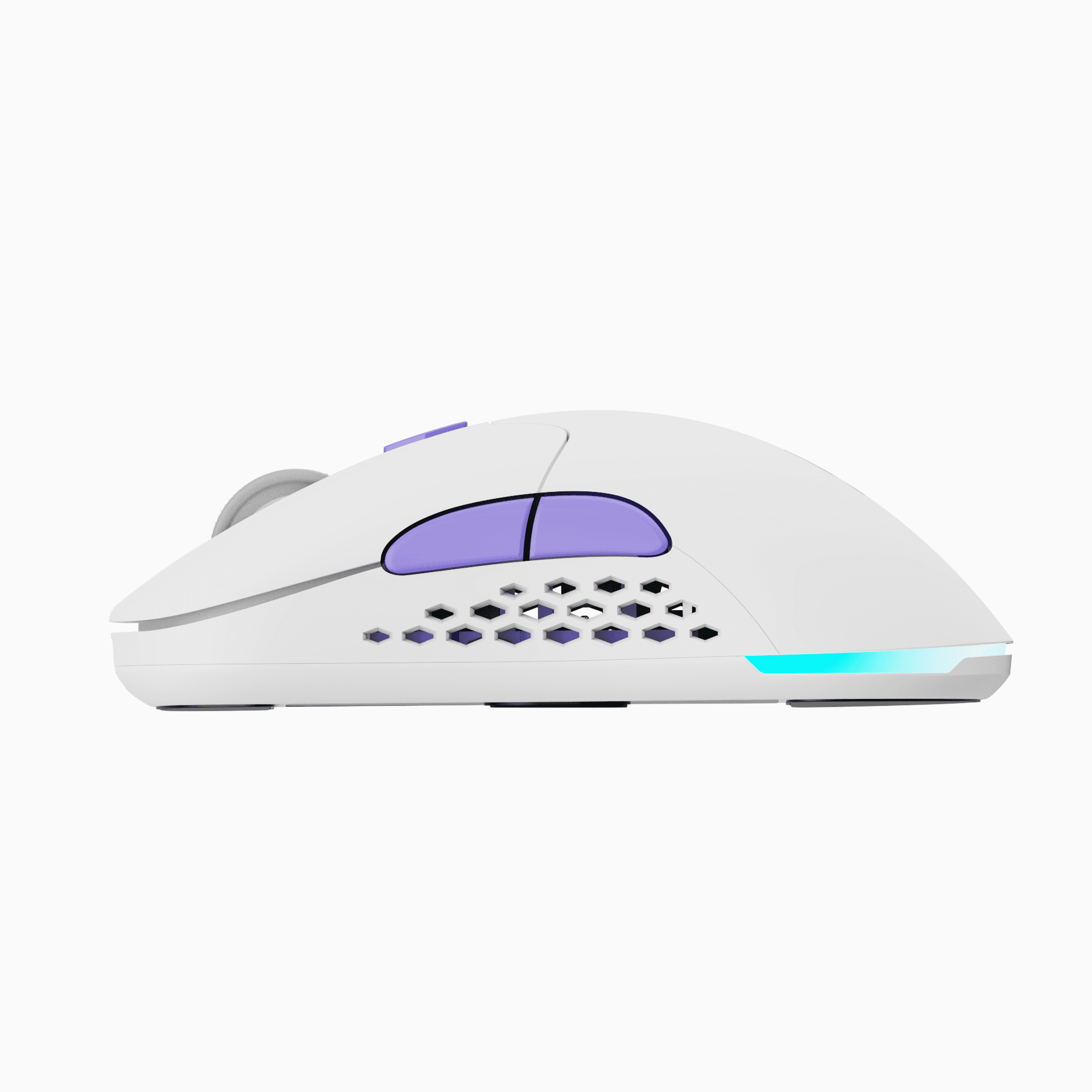
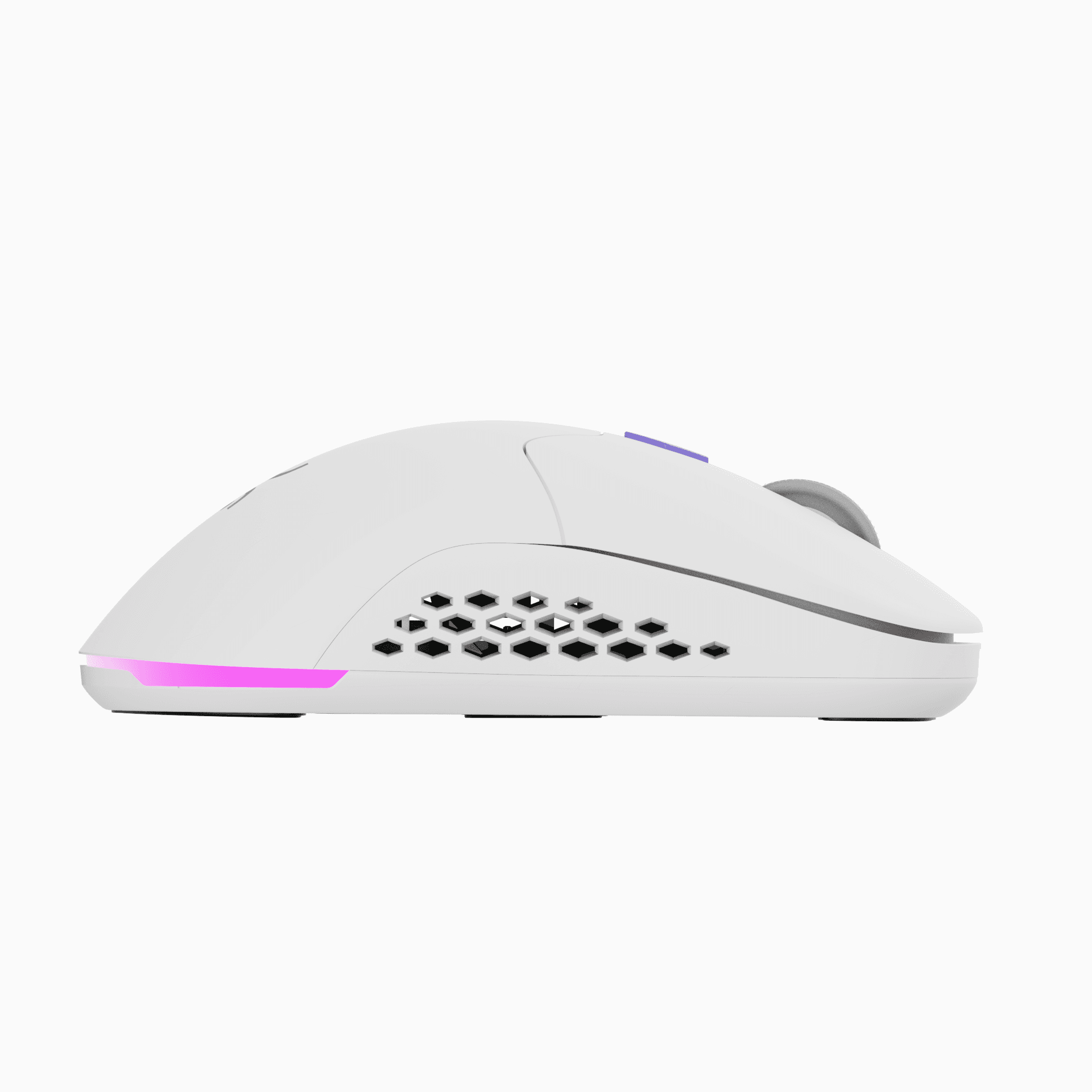
Chimera V2 White Wireless Gaming Mouse

Kreo

Chimera V2 White Wireless Gaming Mouse

₹ 2,099MRP ₹ 4,000(Incl. of all taxes)48% OFF
Flat 10% cashback up to ₹500
₹700/month (4 months)
0%EMI onUPIviaKreo Pay Later
Buy on EMI

Chimera V2 White Wireless Gaming Mouse

₹2099
Color
Color:
  • Chimera V2 White Wireless Gaming Mouse
  • Chimera V2 Wireless Gaming Mouse
Order within 15:00 to get it dispatched at the earliest

See exactly when this arrives

400 Days Warranty · 7 Days Return · Free Shipping · No Cost EMIs400 Days Warranty · 7 Days Return · Free Shipping · No Cost EMIs
₹ 2,099.00₹ 4,000.00
48% OFF
Free Delivery on All Orders
Chimera V2 White Wireless Gaming Mouse

Community Reviews

75% Layout

75% Layout

Metal Volume Knob

Metal Volume Knob

Hot Swappable Mechanical Switches

Hot Swappable Mechanical Switches

270+ Hours battery life

270+ Hours battery life

Software Support

Software Support

BT, 2.4GHz or Wired

BT, 2.4GHz or Wired

Kreo Chimera

Switch Changing Gaming Mouse

Hot Swappable Switches

Equipped with 50-million click-rated Huano switches for lasting precision.

Pixart 3315 Sensor

The new sensor delivers higher speed, greater accuracy, and improved responsiveness to rapid movements while consuming less power.

ONLINE WEB SOFTWARE

All-in-one online software that lets you configure almost every aspect of your Hall Effect magnetic keyboard—key bindings, actuation, triggers, and lighting—with seamless cross-platform support for Windows, macOS, and Linux.

Configure Here

Suits every hand size and grip

Compact layout

Palm

Foam dampening

Claw

Hassle free connectivity

Fingerprint

Interchangeable Grips

Switch between Honeycomb or Solid Grip
Tri Mode Connectivity

BT/ 2.4 Ghz/ Wired

Switch easily between Bluetooth, 2.4 GHz wireless, and wired for anytime play.

70+ Hours Battery Life

Power through with 70+ hours of nonstop gaming.

Vibrant RGB Lighting

Your Mouse, Your Game, Your Vibe

Kreo|Chimera V2 White Wireless Gaming Mouse

Features & Specs

General Info

Product TypeWireless
Weight78
Dimensions119x57x38
Available ColorsBlack, White
Product NameChimera

Sensor Info

Sensor TypeOptical
Sensor ModelPixart PMW3315
DPI (Dots Per Inch)12000
Max Tracking Speed300 IPS
Max Acceleration35G
Polling Rate1000Hz
Lift-Off Distance (LOD)3mm

Buttons

Total Buttons6
Programmable ButtonsYes
Side ButtonsYes
DPI Switch ButtonYes

Connectivity

Connection TypeWireless
Wireless Technology2.4GHz, BT
Wired ConnectivityUSB C
DongleYes

Battery

Battery TypeLi-Ion
Battery Life70hrs+
Charging PortUSB C
Fast ChargingNo
Charging Time2 hrs
Battery Capacity500mAh

Ergonomics

Grip TypeAll
ShapeSymmetrical
Customisable GripYes

Customization

DPI AdjustmentYes
RGB LightingYes
RGB Zones1
RGB CustomizationsYes
Macro SupportYes

Build & Durability

MaterialsABS Plastic
Skates/Feet100% PTFE
Button Durability30M Clicks
Cable TypeBraided, Detachable
Cable Lenght (m)1.5m

Software

Customization SoftwareYes
CompatibilityWindows | Web Software (Mac/Linux/Windows)

Compatibility

Operating System CompatibilityWindows, macOS, Linux
Platform CompatibilityPC, Consoles with HID supp.
Driverless ModeYes
Web Software SupportYes

In The Box

Gaming MouseYes
USB-C/USB-A CableYes
Wireless DongleYes
Extra PTFE SkatesNo
Quick Start Guide/ManualYes
Download SoftwareLatest version of the softwareWeb SoftwareWeb-based versionDownload User ManualComplete user guide
Imported & Marketed ByLukus Brands Private Limited
Country of OriginChina
Address4TH B Block, 2, Mahayogi Vemana Road, Techforce Engineering Services, Koramangala, Bengaluru, Bengaluru Urban, Karnataka, 560034

FAQs

If the issue persists, contact our support team.

Why is my Chimera disconnecting in wired mode or not charging?

Double-check that the cable is firmly connected. Even if it seems plugged in, remove and reconnect it securely. Also, make sure the protective film on the mouse feet has been removed, as it may interfere with performance.

How do I check the battery percentage on Chimera?

Due to a known software limitation, the battery percentage is only visible in Bluetooth mode from your device’s Bluetooth tab. If the battery is below 10%, a constant red light will blink under the scroll wheel.

What's new in the Chimera V2 compared to the original Chimera?

The V2 is a significant upgrade across the board. It uses the newer PixArt PMW3315 sensor (faster, more accurate, and more power-efficient than the original 3325), a new Compx CX52850P MCU for more stable wireless and better battery life, and 50M-rated Huano primary switches (up from 10M). Battery life has improved by more than 3x with RGB off, the feet are now 100% zero-additive PTFE for smoother glide, and the updated web software adds dedicated macro, lighting, remapping, and power management modes including a sleep timer.

What does "hot-swappable switches" actually mean, and why should I care?

The Chimera V2 lets you replace the main click switches without soldering or disassembly — just pop out the old switch with the included switch puller tool and drop in a new one. The mouse ships with two switch types in the box: 30M Huano tactile switches with a satisfying audible click, and 10M Huano silent switches for quieter environments like offices, late-night gaming, or shared spaces. You can swap between them in under a minute to match your mood, setting, or preference — something virtually no mouse at this price point offers.

Do I need to install software to customize the mouse?

No. Kreo uses a web-based software that works across multiple operating systems without any installation — just open it in a browser and configure DPI, macros, RGB lighting, button remapping, and power management settings. Your settings can be accessed from any PC, which is especially convenient if you use the mouse across work and personal machines.

0 out of 5 (0 Reviews)
(0)
(0)
(0)
(0)
(0)
0 reviews
Write a Review
Quick Links
  • Downloads
  • FAQs
  • Track Order
  • Return & Exchanges
  • Warranty
  • Contact Us
  • B2B Orders
  • Kreator Program
  • Campus Ambassador Program
  • Blog
Socials
  • X
  • Instagram
  • Youtube
  • Discord
Reach out to us:

+91 9611507877

help@kreo-tech.com

© 2026 Kreo / Lukus Brands Pvt Ltd.